REST API WordPress: creare endpoint custom senza appesantire il core
La REST API di WordPress è potente ma gli endpoint di default restituiscono troppo. Come creare endpoint custom leggeri, sicuri e cachabili, con autenticazione e validazione. Il pattern che usiamo per integrare WordPress con sistemi esterni senza gonfiare il database.
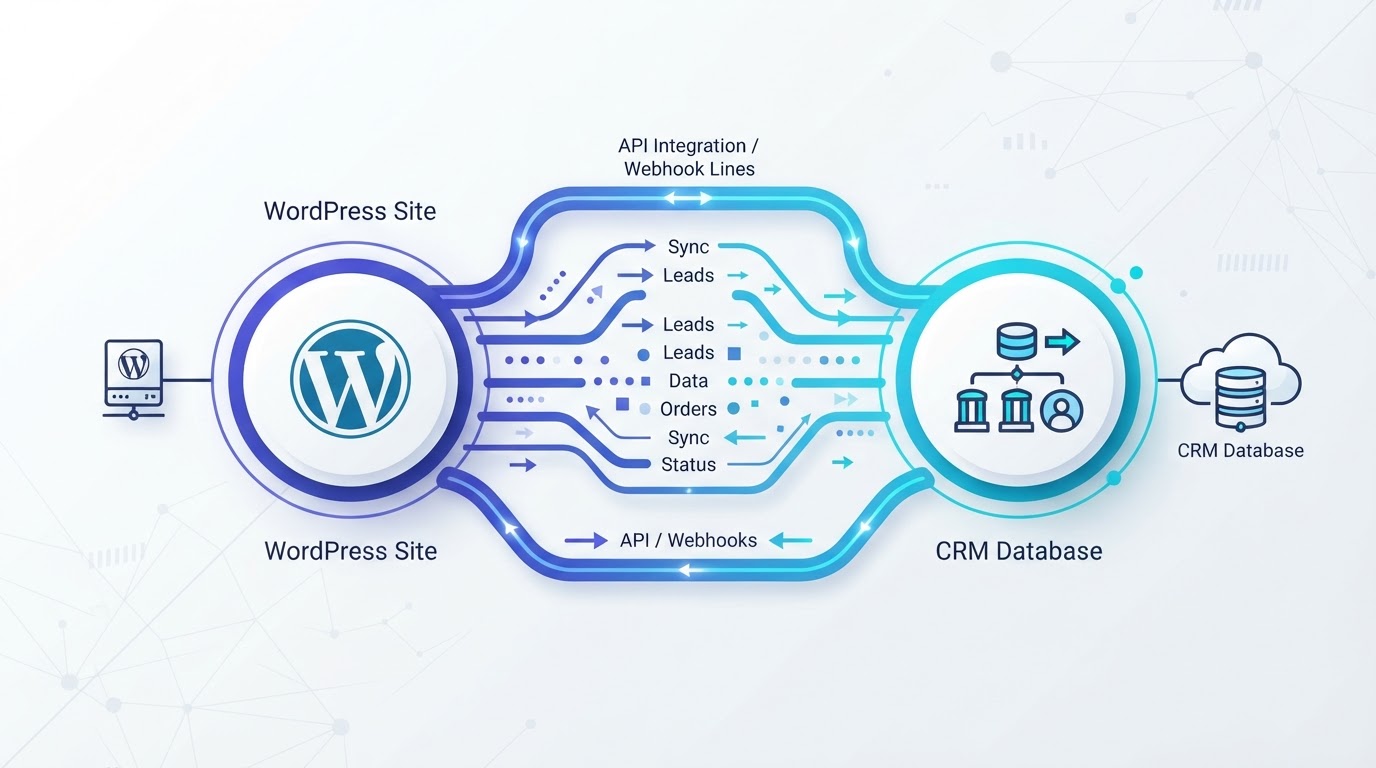
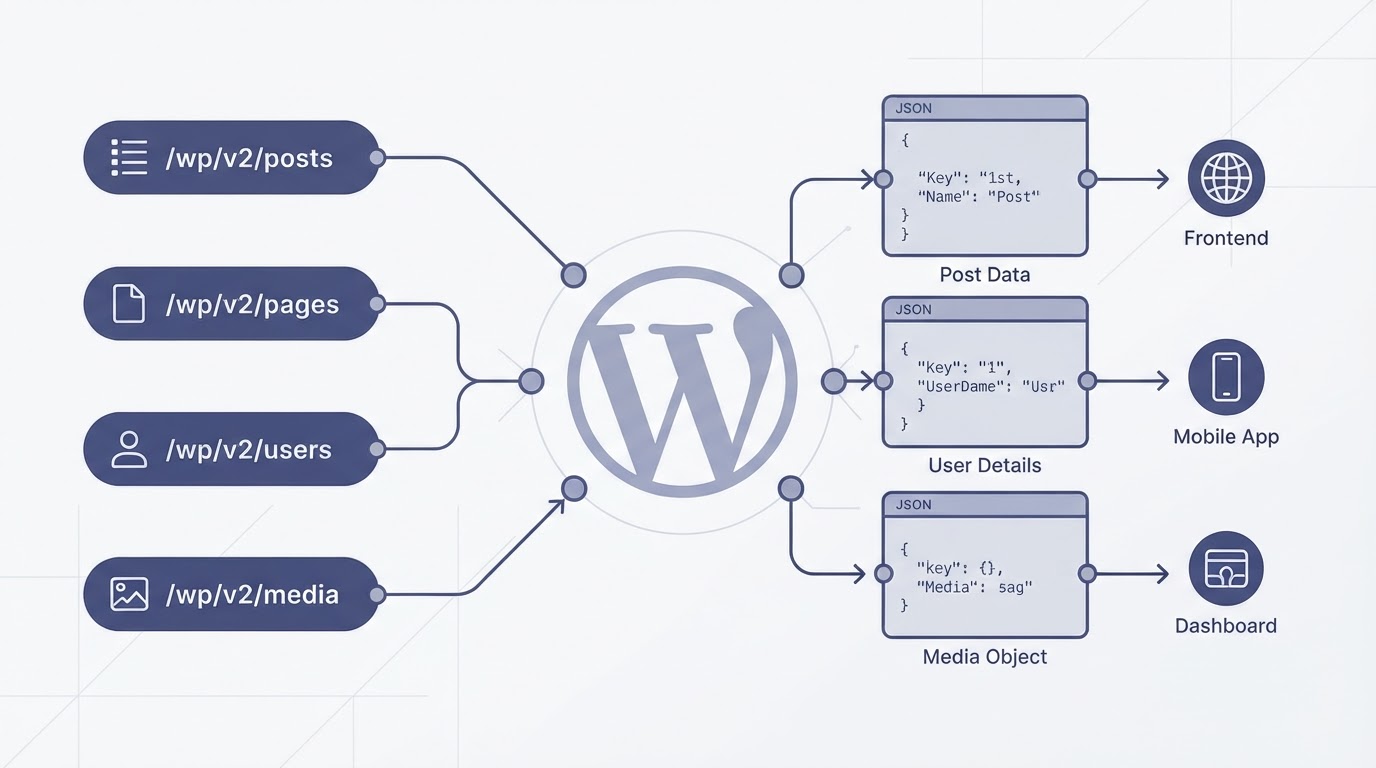
La REST API di WordPress è una delle feature più sottovalutate della piattaforma. Chi la usa la considera un modo per leggere i post da fuori; chi non la usa pensa sia roba da sviluppatori avanzati. La verità è che la REST API è il ponte tra WordPress e qualsiasi sistema esterno — un CRM, un'app mobile, un frontend separato, un servizio di automazione. E quando la usi bene, ti permette di tenere WordPress come backend di gestione contenuti senza appesantirlo con logica che non gli appartiene.
Il problema degli endpoint di default è che restituiscono tutto. Un GET /wp-json/wp/v2/posts ti dà titolo, contenuto, excerpt, autore, featured media, link, e una decina di campi che il 90% delle volte non ti servono. Su un endpoint che restituisce 50 post, stai trasferendo 200KB di JSON quando te ne servirebbero 30. La soluzione è creare endpoint custom che restituiscono solo quello che serve — e niente di più.
Endpoint custom: la struttura base
Registrare un endpoint custom è semplice. La parte che la maggior parte salta è la validazione degli argomenti e la permission callback — senza quelle, l'endpoint è una porta aperta. Ecco un endpoint completo che restituisce articoli ottimizzati per un frontend esterno:
<?php
// Endpoint REST custom per articoli ottimizzati
add_action( 'rest_api_init', function () {
    register_rest_route( 'wp-planet/v1', '/articles', array(
        'methods'             => 'GET',
        'callback'            => 'wp_planet_get_articles',
        'permission_callback' => '__return_true', // endpoint pubblico
        'args'                => array(
            'page'     => array(
                'validate_callback' => function( $v ) {
                    return is_numeric( $v ) && $v > 0;
                },
                'default'           => 1,
            ),
            'per_page' => array(
                'validate_callback' => function( $v ) {
                    return is_numeric( $v ) && $v > 0 && $v <= 50;
                },
                'default'           => 12,
            ),
            'category' => array(
                'sanitize_callback' => 'sanitize_title',
                'default'            => '',
            ),
        ),
    ) );
} );

function wp_planet_get_articles( WP_REST_Request $request ) {
    $page     = (int) $request['page'];
    $per_page = (int) $request['per_page'];
    $category = $request['category'];

    $args = array(
        'post_type'           => 'post',
        'post_status'         => 'publish',
        'posts_per_page'      => $per_page,
        'paged'               => $page,
        'ignore_sticky_posts' => true,
        'no_found_rows'       => false,
    );

    if ( $category ) {
        $args['category_name'] = $category;
    }

    $query = new WP_Query( $args );
    $items = array();

    foreach ( $query->posts as $post ) {
        $items[] = array(
            'id'        => $post->ID,
            'title'     => get_the_title( $post ),
            'slug'      => $post->post_name,
            'excerpt'   => get_the_excerpt( $post ),
            'date'      => get_the_date( 'c', $post ),
            'cover_url' => get_the_post_thumbnail_url( $post, 'large' ),
        );
    }

    return new WP_REST_Response( array(
        'items'       => $items,
        'total'       => (int) $query->found_posts,
        'total_pages' => (int) $query->max_num_pages,
        'page'        => $page,
    ), 200 );
}Autenticazione: non lasciare l'endpoint aperto
Per endpoint che scrivono dati o restituiscono informazioni sensibili, l'autenticazione è obbligatoria. WordPress supporta tre metodi: Application Passwords (il più semplice, da WP 5.6), JWT (con plugin), e OAuth (con plugin). Per integrazioni server-to-server, Application Passwords è la scelta più semplice e sicura:
<?php
// Endpoint protetto con autenticazione Application Passwords
add_action( 'rest_api_init', function () {
    register_rest_route( 'wp-planet/v1', '/sync-crm', array(
        'methods'             => 'POST',
        'callback'            => 'wp_planet_sync_crm',
        'permission_callback' => function() {
            // Solo utenti autenticati con capability manage_options
            return current_user_can( 'manage_options' );
        },
        'args'                => array(
            'contact_id' => array(
                'required'          => true,
                'validate_callback' => function( $v ) {
                    return is_string( $v ) && strlen( $v ) > 0;
                },
            ),
            'email' => array(
                'required'          => true,
                'sanitize_callback' => 'sanitize_email',
                'validate_callback' => 'is_email',
            ),
        ),
    ) );
} );

function wp_planet_sync_crm( WP_REST_Request $request ) {
    $contact_id = $request['contact_id'];
    $email      = $request['email'];

    // Logica di sincronizzazione con CRM esterno
    // ... chiama API del CRM, aggiorna contatto, etc.

    return new WP_REST_Response( array(
        'success'    => true,
        'contact_id' => $contact_id,
        'synced_at'  => current_time( 'c' ),
    ), 200 );
}

// Chiamata dall'esterno con Application Password:
// curl -X POST https://example.com/wp-json/wp-planet/v1/sync-crm
//   -u admin:xxxx-xxxx-xxxx-xxxx-xxxx-xxxx
//   -H 'Content-Type: application/json'
// -d '{"contact_id":"123","email":"user@example.com"}'Caching degli endpoint: il collo di bottiglia nascosto
Un endpoint REST non cachato è un problema di performance che si manifesta sotto carico. Ogni richiesta esegue una WP_Query, che esegue query SQL, che carica WordPress. Su un endpoint chiamato frequentemente (es. da un frontend che lo chiama ad ogni page load), il server si satura. La soluzione è cachare la risposta con i transient:
<?php
// Caching della risposta REST con transient
function wp_planet_get_articles( WP_REST_Request $request ) {
    $page     = (int) $request['page'];
    $per_page = (int) $request['per_page'];
    $category = $request['category'];

    // Chiave di cache univoca per combinazione di parametri
    $cache_key = 'wp_planet_articles_' . md5( $page . '_' . $per_page . '_' . $category );
    $cached    = get_transient( $cache_key );

    if ( false !== $cached ) {
        return new WP_REST_Response( $cached, 200 );
    }

    // ... query e costruzione $response (come sopra) ...
    $response = array(
        'items'       => $items,
        'total'       => (int) $query->found_posts,
        'total_pages' => (int) $query->max_num_pages,
        'page'        => $page,
    );

    // Cache per 5 minuti (300 secondi)
    set_transient( $cache_key, $response, 300 );

    return new WP_REST_Response( $response, 200 );
}

// Invalida la cache quando un post viene pubblicato/aggiornato
add_action( 'save_post', function( $post_id ) {
    if ( wp_is_post_revision( $post_id ) ) return;
    delete_transient( 'wp_planet_articles_' . md5( (string) $post_id ) );
} );La REST API di WordPress è uno strumento potente quando la usi con metodo: endpoint custom che restituiscono solo quello che serve, autenticazione per i dati sensibili, e caching per i endpoint pubblici chiamati spesso. Senza questi tre elementi, l'API è un peso, non un'infrastruttura. Con metodo, è il ponte più affidabile tra WordPress e qualsiasi sistema esterno — senza appesantire il core.
Codice pulito, prestazioni e dipendenze ridotte al minimo.
Sviluppo WordPress personalizzato: temi leggeri, plugin su misura e integrazioni API senza appesantire il sito.
Articoli correlati

Headless WordPress: quando vale la pena staccare il frontend (e quando è sovrainvestimento puro)
Leggi
wp-cron e automazioni WordPress: scheduling affidabile senza affidarsi al traffico (che non arriva)
Leggi